Basics 3 min read
Roblox thumbnail specs & rules
Sizes, formats and the moderation basics to know before you upload.
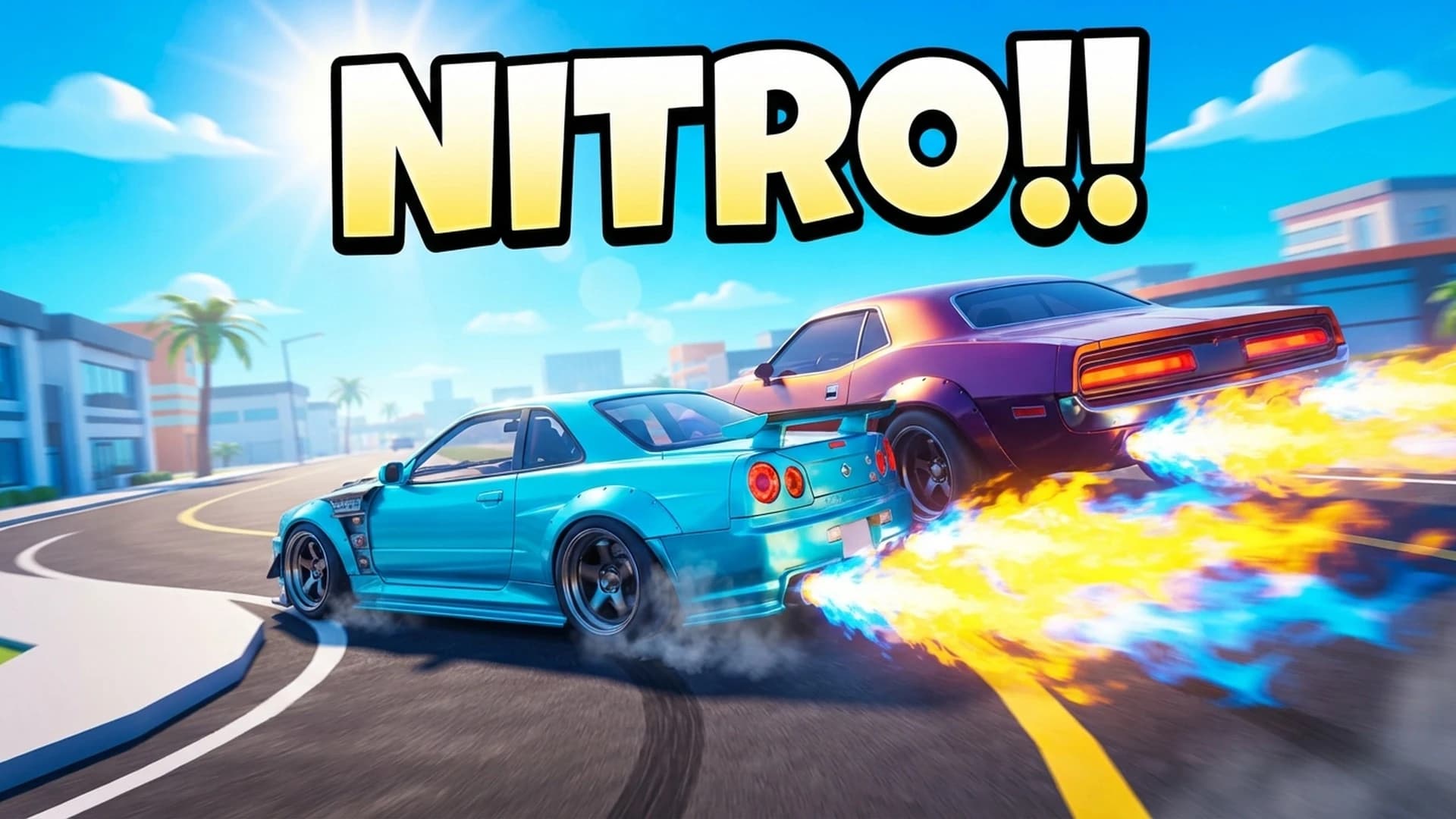
A quick reference for uploading. Roblox updates its requirements from time to time, so double-check the Creator Hub documentation before you ship.
Thumbnail size1920 × 1080 (16:9)
Icon size512 × 512 (square)
FormatsPNG or JPG
Thumbnails per experienceMultiple — they rotate in a carousel
Bloxlabs export1920 × 1080 PNG
Moderation basics
- All uploads are reviewed against Roblox's Community Standards.
- Don't promise things your game doesn't have — misleading thumbnails hurt retention and can be removed.
- No real-world personal info, off-platform links or QR codes.
- Keep violence and horror within your experience's maturity rating.
Order matters
The first thumbnail in your list is the one most players see first — put your strongest concept there.
Next guide
A/B test like a pro